
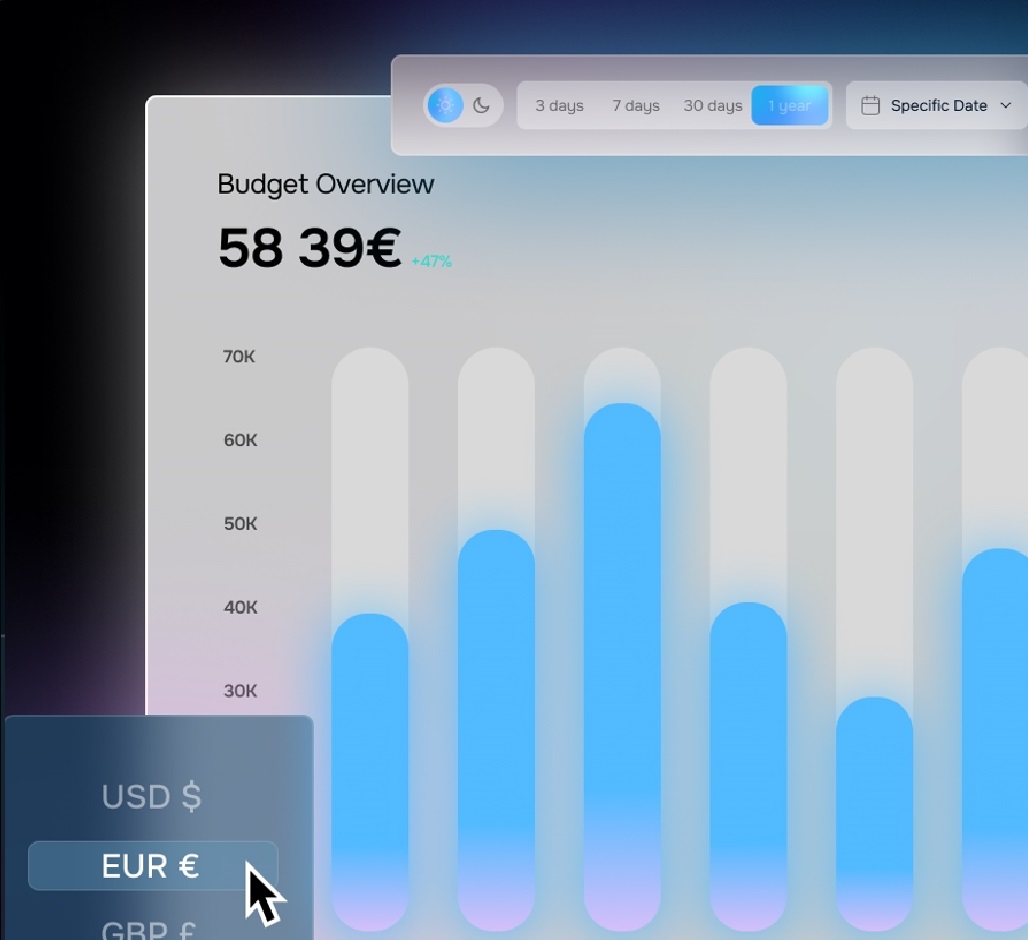
If you’re new to Shopify analytics, you’ve probably noticed one big limitation: revenue looks great, but it doesn’t tell you how much money you’re actually keeping.
A profit dashboard solves this by giving you a complete view of your finances in real time.
A profit dashboard consolidates all your store’s data—sales, costs, ad spend—into one clear view. It helps you make informed decisions quickly, without diving through endless reports.
Shopify’s default reports show revenue, but not net profit. Without a profit dashboard, you’re making guesses about performance.
With EdPro, you get:
Sign up for EdPro, connect your Shopify store and ad accounts, and watch your data come alive in one streamlined dashboard.
Understanding your profit is the first step to sustainable growth.
With EdPro, you’ll finally see your true numbers—and make every decision with confidence.
👉 Start your free 15-day trial today.